

 Zoomed to minimumUse plus and minus key to zoom and arrow keys to pan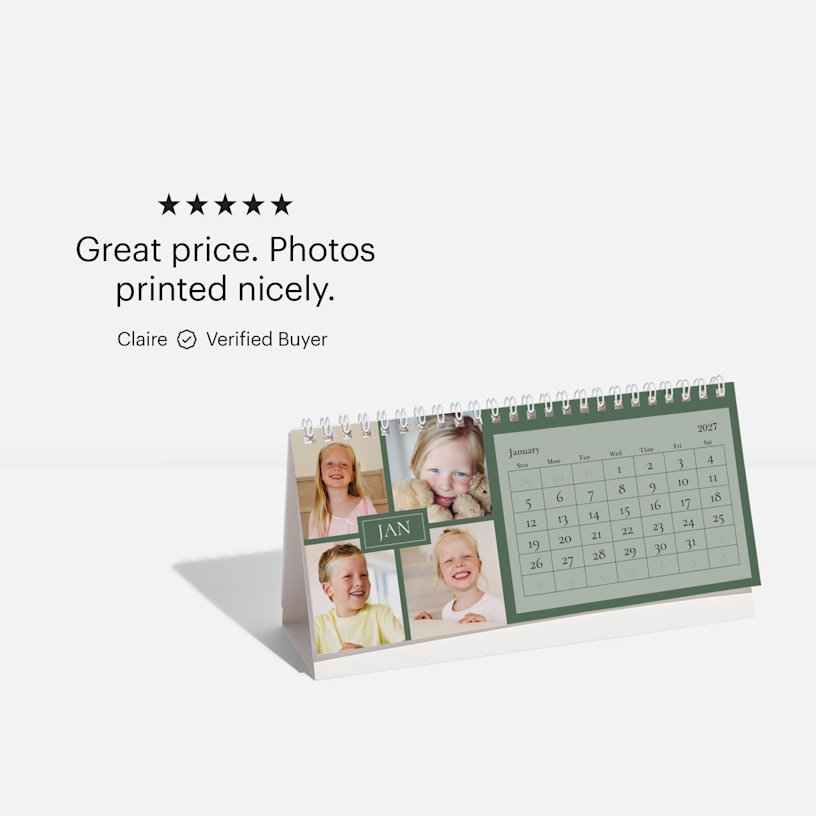

Custom Desk Calendars

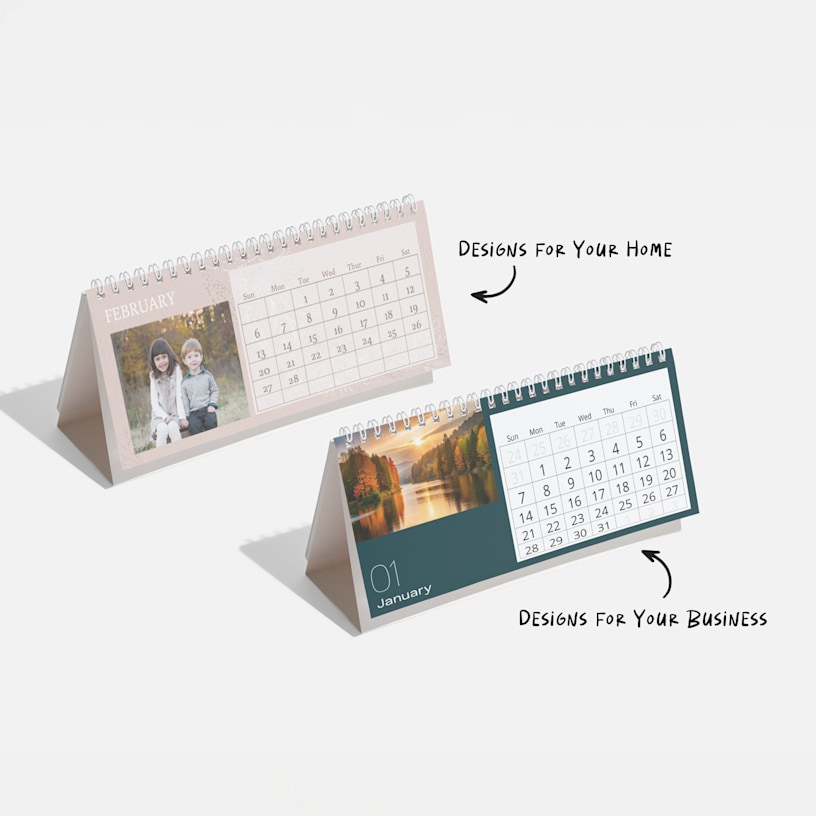
Brighten up workdays with a personalized desk calendar.
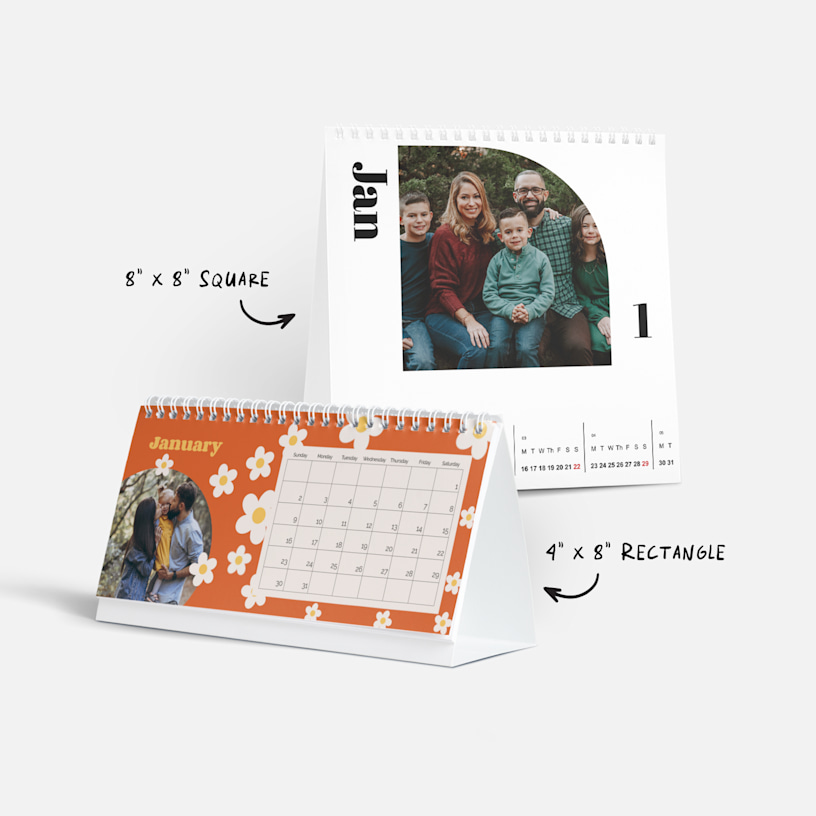
- 2 size/layout options
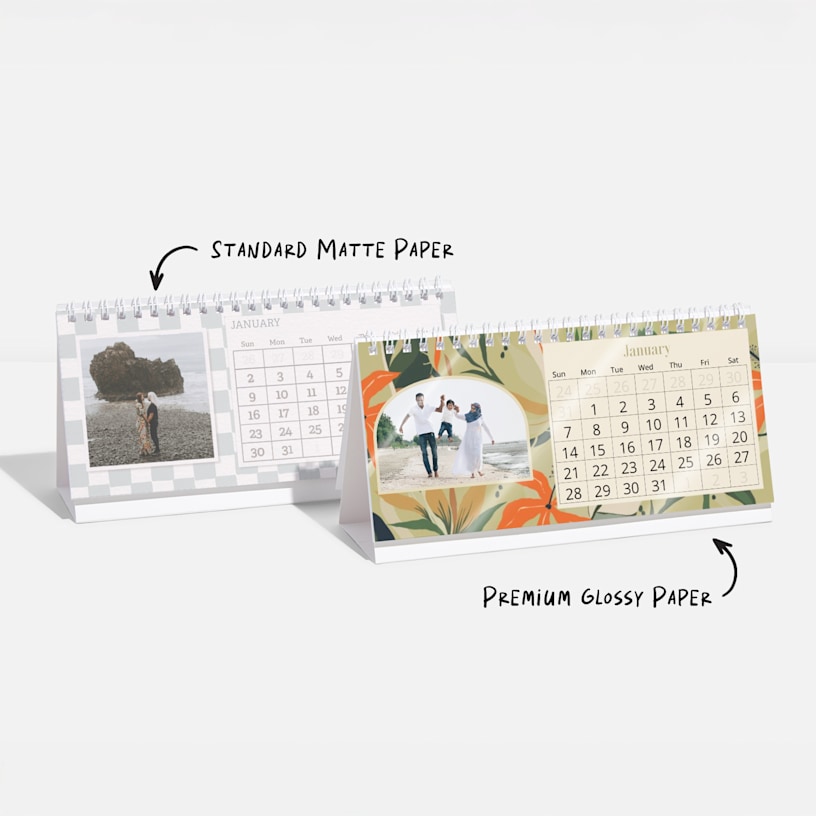
- Matte & premium glossy paper options
- Built-in stand & spiral binding
- Professional, easy-to-use templates
- Instant, full-bleed image upload
- Vivid, high-quality printing
Looking for more calendar styles? Shop our Wall Calendars.
A gift from your biz that lasts all year
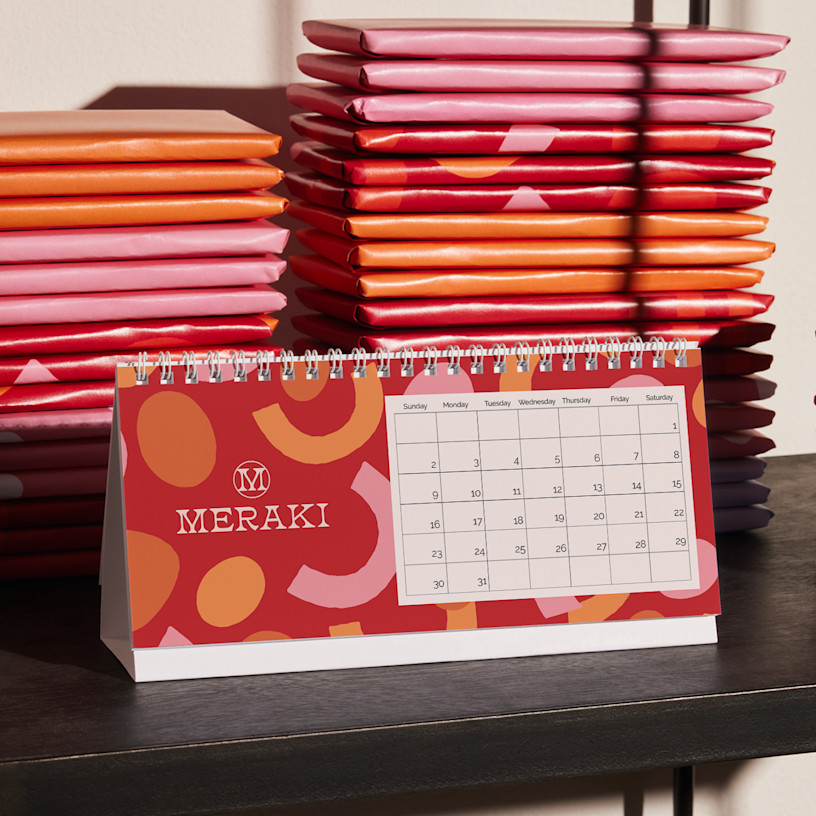
Looking for a gift that checks all the boxes? Our promotional desk calendars are a practical way to add personality to desks, shelves or any tabletop – while keeping everyone on schedule. They also make memorable personal gifts to family and friends, with room for vacation photos, group shots or snaps of their doggo – all with beautiful quality that shows how much you care.
Extra-high quality for the price
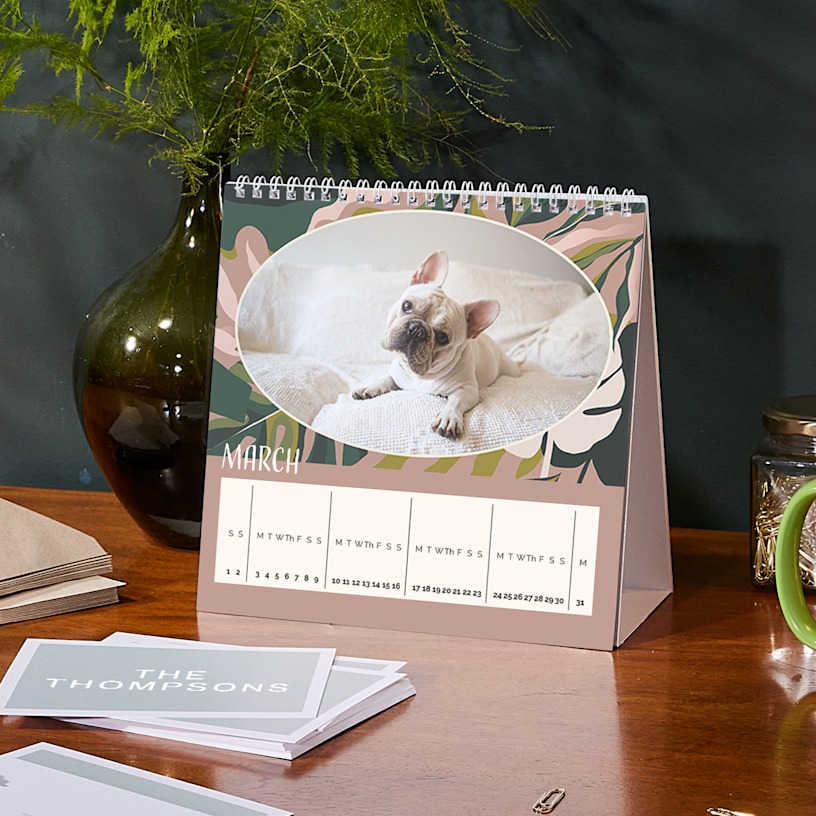
With sharp, vibrant printing and durable paper, these 2027 desk calendars make high-quality and practical promotional gifts for businesses without breaking the bank. Our square option is printed on standard matte paper stock, while our rectangular option comes in standard matte or premium glossy paper. (We recommend the standard matte for writing on.) And with 2 compact sizes and a built-in stand for easy display, they keep your business looking bright in all types of workplaces – all year long.
Easy to create, reliable delivery
Get started by choosing your size. Next, choose a template and head to our design studio. You’ll be able to add photos, mark special dates and even choose your starting month. Once you’re done designing, we’ll print your desk calendar and ship it your way. Your creation will arrive looking sleek and ready to perk up the office.
Better by Design
What makes it better
Reviewed by 754 customers
 Canada | Canada | Canada | Canada | Canada |
Our online studio is designed to make photo desk calendars simple yet fun, and we’ve packed it with all sorts of cool features.
To start, choose a calendar size and then head to our gallery to find a calendar style that you love. After you’ve selected a template, we’ll take you into the studio where you can customize your calendar to your heart’s content. You can select layouts with single or multiple photos or choose from fun backgrounds. You can also add photos to your calendar’s grid along with custom text.
For more detailed information about designing your calendar, check out our guide.
And if you need help or advice along the way, customer support is standing by.
That depends on which size you select. If you choose our rectangular option, you’ll have the chance to add text or decorations to your design. We have an extensive clipart collection that lets you add all sorts of clipart to any date you’d like. You’ll also be able to customize holidays and special dates that you want printed on your rectangular calendar – you can remove any of our recommended holidays, plus label birthdays, anniversaries and more.
Currently, we do not offer custom dates on our square calendar.
Yes. To reorder, log into your VistaPrint account. Go to “My Account” in the top right corner of your screen and select “Order History & Reorder.” Scroll to find the calendar you wish to reorder and select the “Edit & Reorder” button. You can update previous calendars with the current year and your custom design from that year will remain the same. However, please note that while custom events like birthdays and holidays are transferable, clip art is not.
Depending on when you placed your order, you may need our Design Services team to recreate the calendar on your behalf. If this the case, you’ll see a pop-up notification after you click “Edit & Reorder.” Once you see the notification, select the button that says “Let us help” – you’ll be able to request a calendar recreation with our team.
Once you’re in the design studio, you’re free to start with any month you’d like. Simply tap on the small blue calendar icon that says, “Edit your calendar dates here.” Then, select the “Start date” tab to edit the starting date and update your calendar.
That depends on which calendar size you opt for. Our square desk calendar is printed on standard matte paper stock, which you can easily write on with a pen or marker. For our rectangular desk calendar, you can choose between standard matte paper or premium glossy paper. We recommend the standard matte for writing – our premium glossy option is a little trickier to write on.
Paper options differ for each calendar size. Our square desk calendar only comes in one paper stock option: standard matte, which is uncoated.
However, if you opt for our rectangular desk calendar, you can choose between standard matte or premium glossy paper stock before completing your order. The premium glossy stock has a UV coating.
For our square desk calendar, we print on both sides of each page. For our rectangular option, we offer 1-sided printing only.
Each calendar comes with a built-in folding base at the bottom. Simply unfold the base and set the calendar on the surface of your choice.
Absolutely. In fact, desk calendars are some of the most popular gifts for businesses and loved ones during the holidays. Filled with snapshots of your crew and personalized with special dates, they’re especially great family gifts. All you have to do is design one, order multiples, then…voila – you’ve just crossed a big chunk off your gift list.
Once your desk calendars are all printed and ready to go, we’ll ship them with your choice of economy, standard or express shipping. Economy is our most affordable option, and free for orders over $75. If you’re in a time crunch, express is your fastest option, usually taking around 3 business days.
Be sure to check the shipping calculator (where it says “Get is as soon as…”) for more accurate estimates and pricing depending on your location.