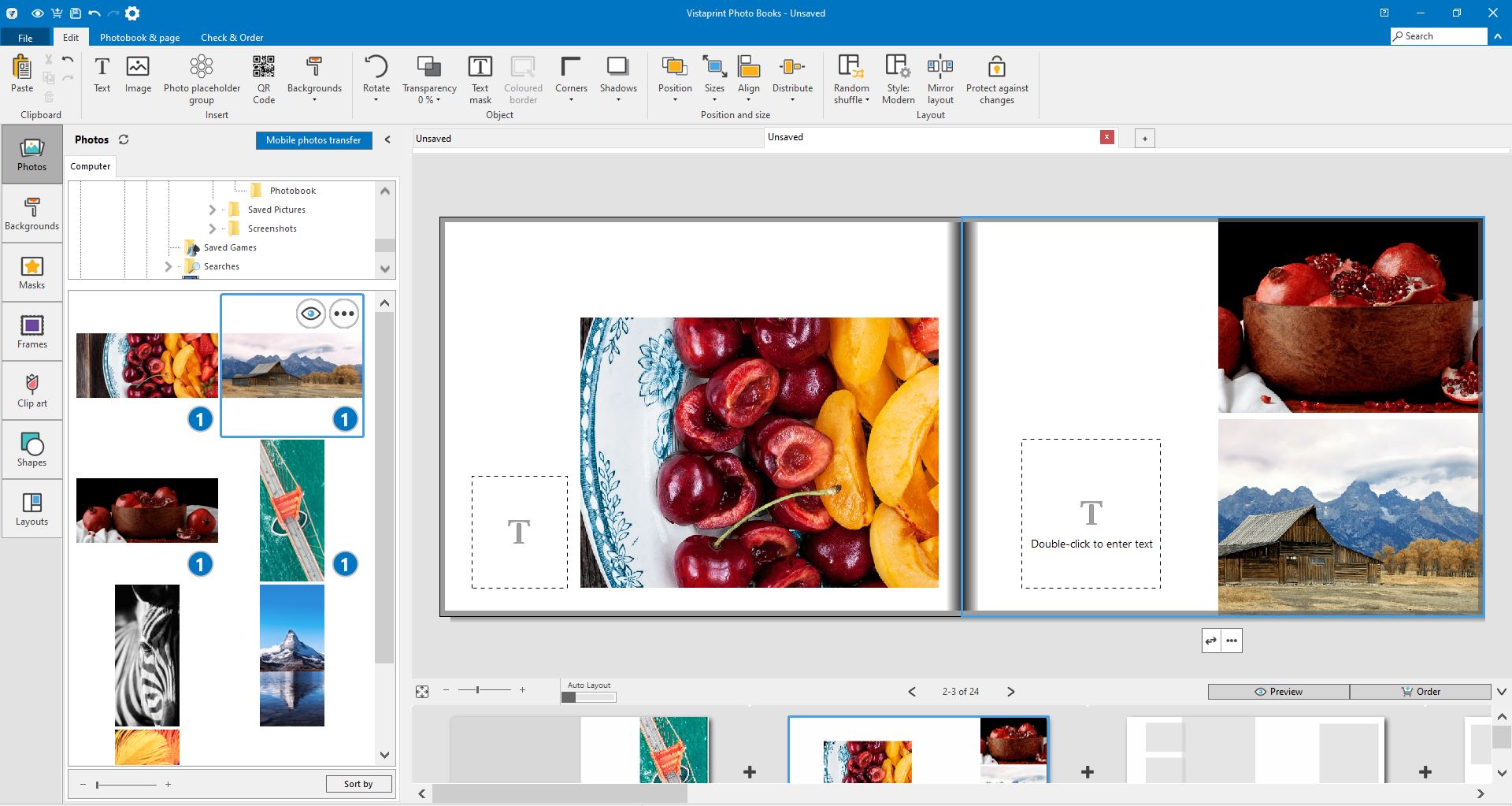
Steps to transfer the photos
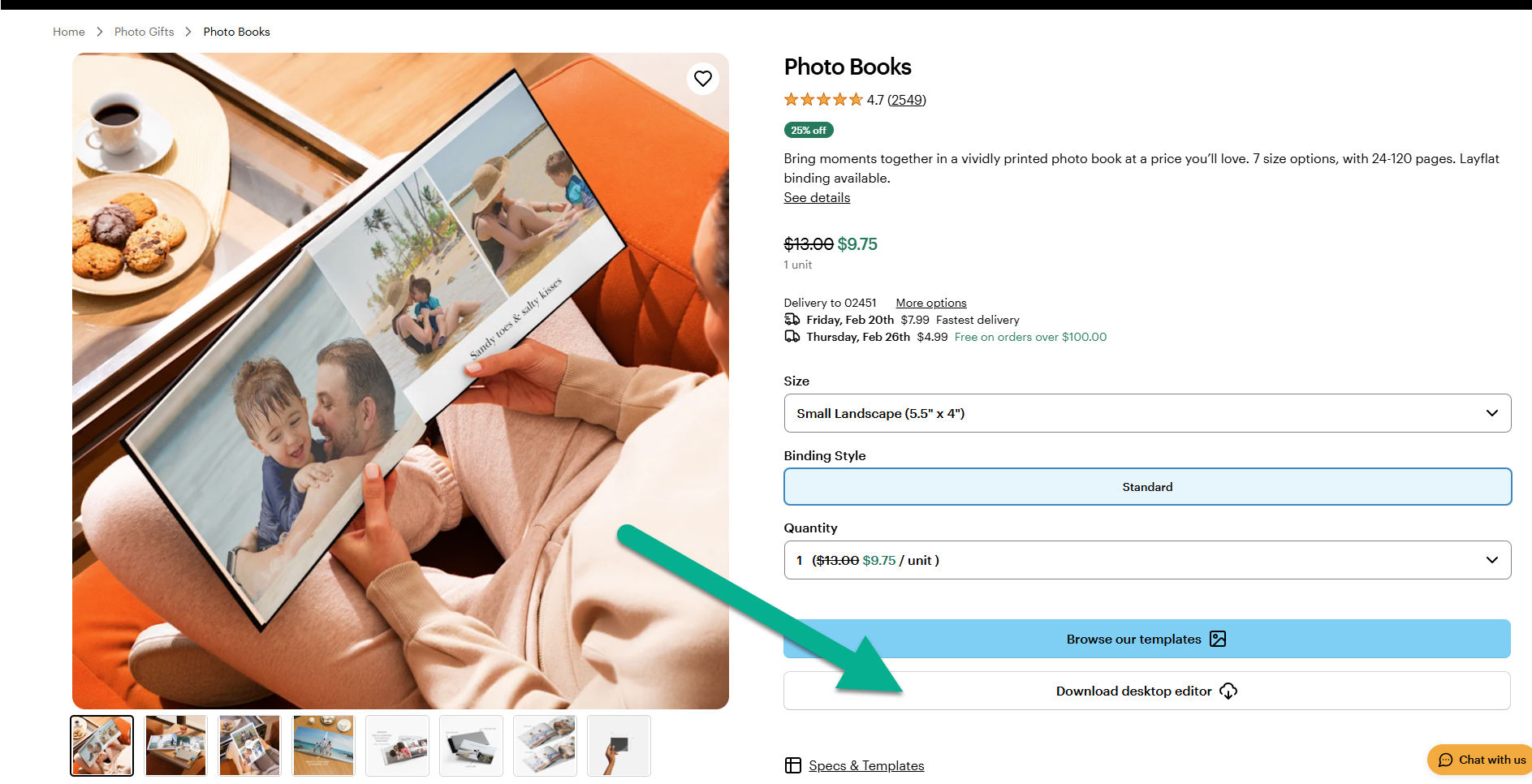
Download the desktop editor
You can download the desktop editor from the photobooks product page. To do so, select Download desktop editor below the option to browse our templates. When the installation is done, launch the photo book desktop editor on your computer.
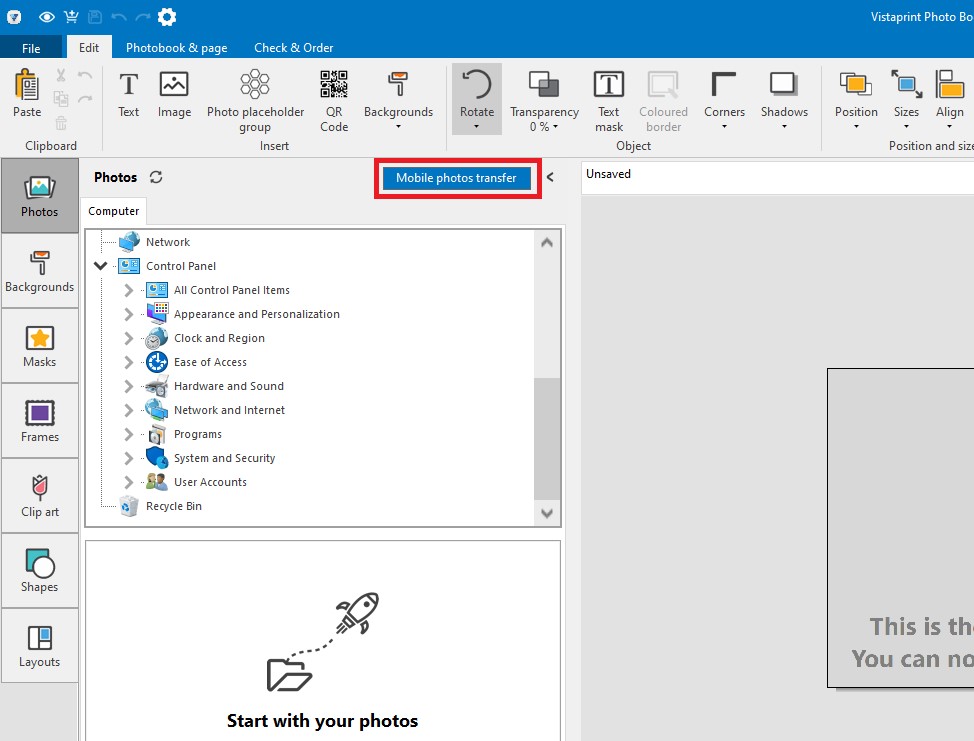
Select the mobile transfer option
Open the Photos tab from the right-hand side menu and select Mobile photos transfer.
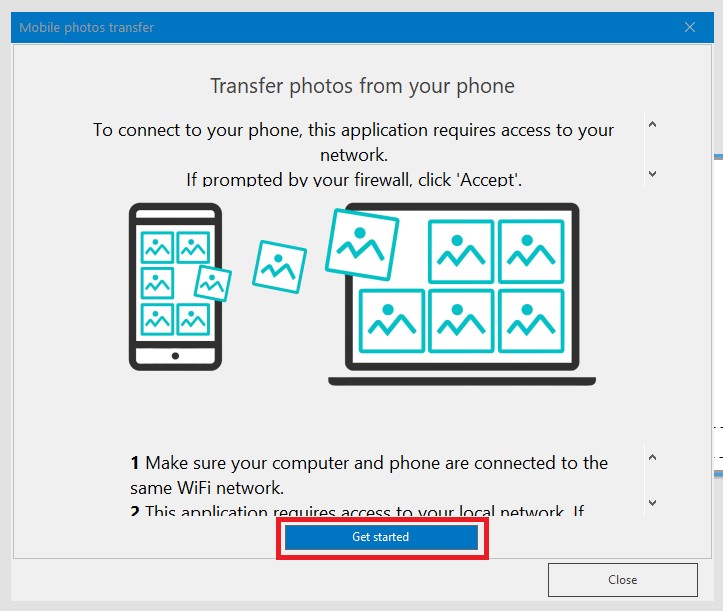
Select Get started
Before you start, make sure your computer and mobile device are connected to the same WiFi network.
Scan the QR code.
Point your mobile device camera at the QR code on your computer screen.
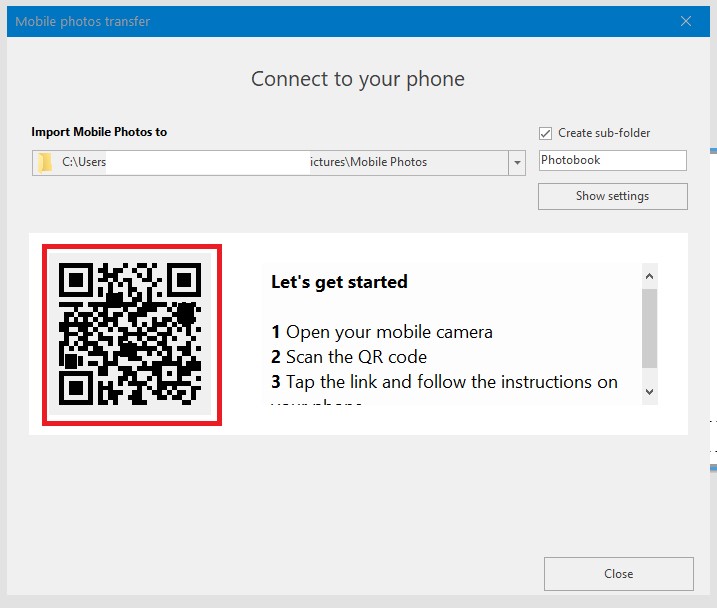
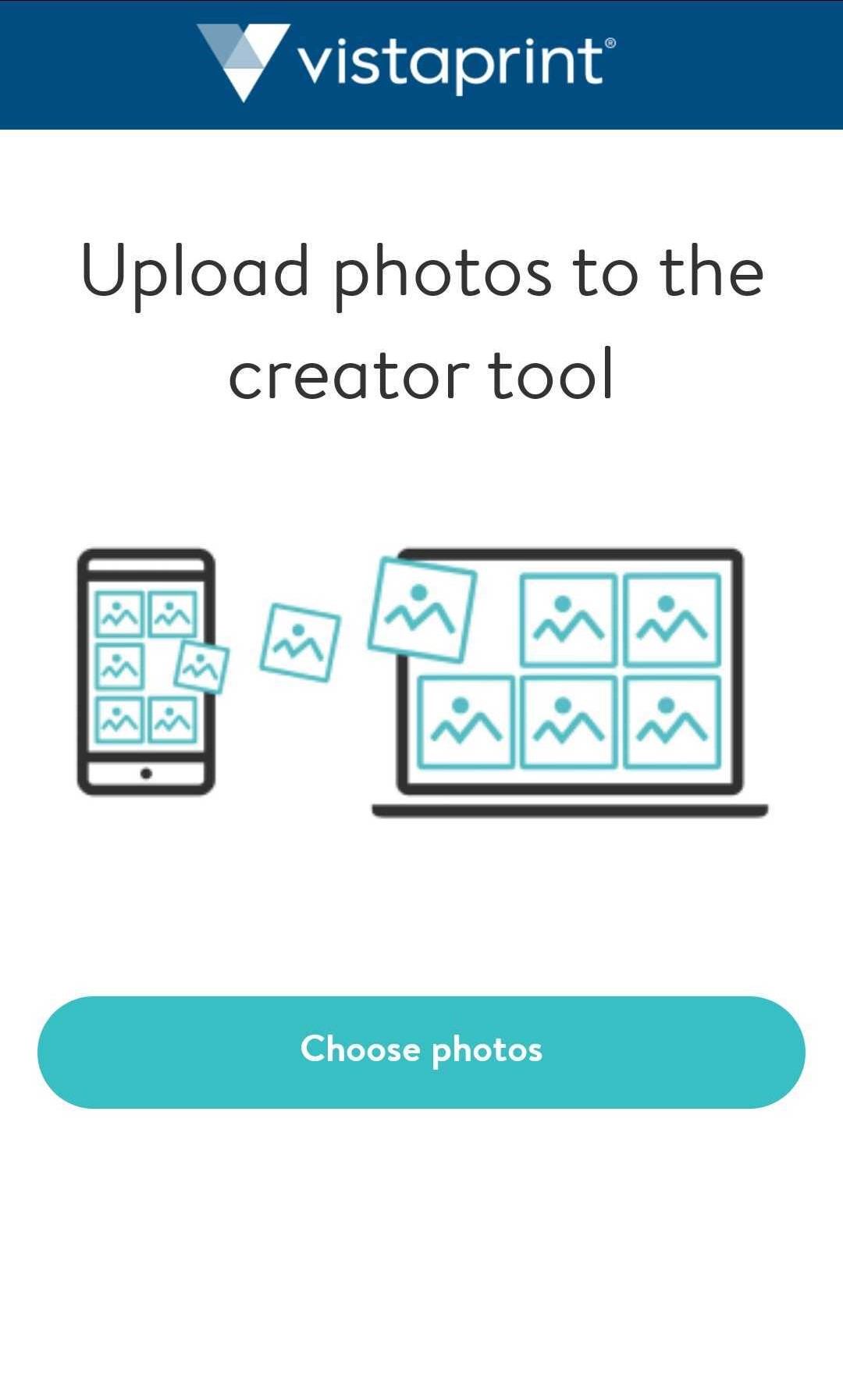
Choose and upload your photos
Pick the photos you want to use when the link opens on your mobile device, then select upload.
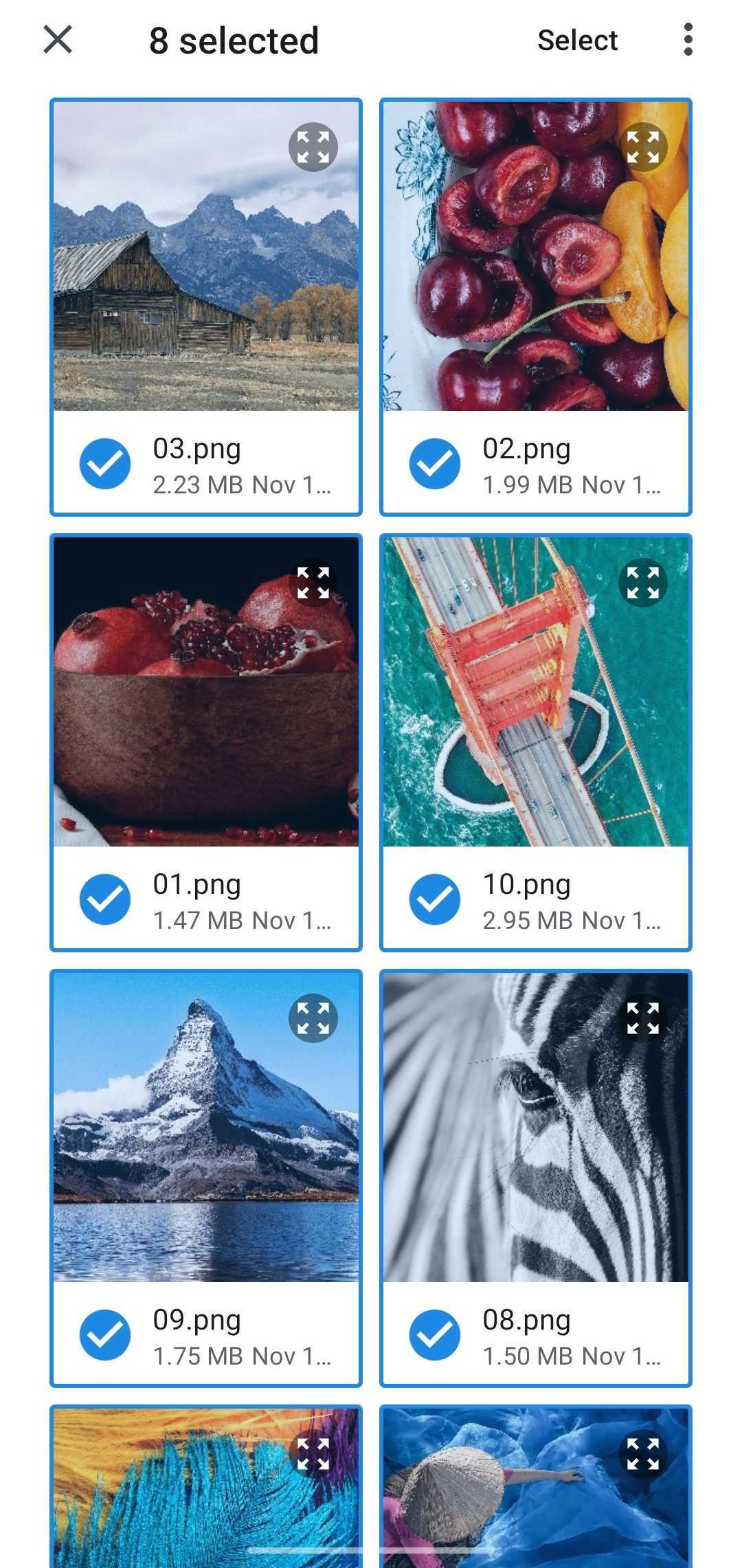
Add the photos to your photo book
Find your transferred photos in the editor gallery on your computer. You can now add them to your photo book.