AccessibilitySkip to main content

Foil Accent Business Cards

Samples available
Better by Design
Get foil accent design tips and guidelines here.
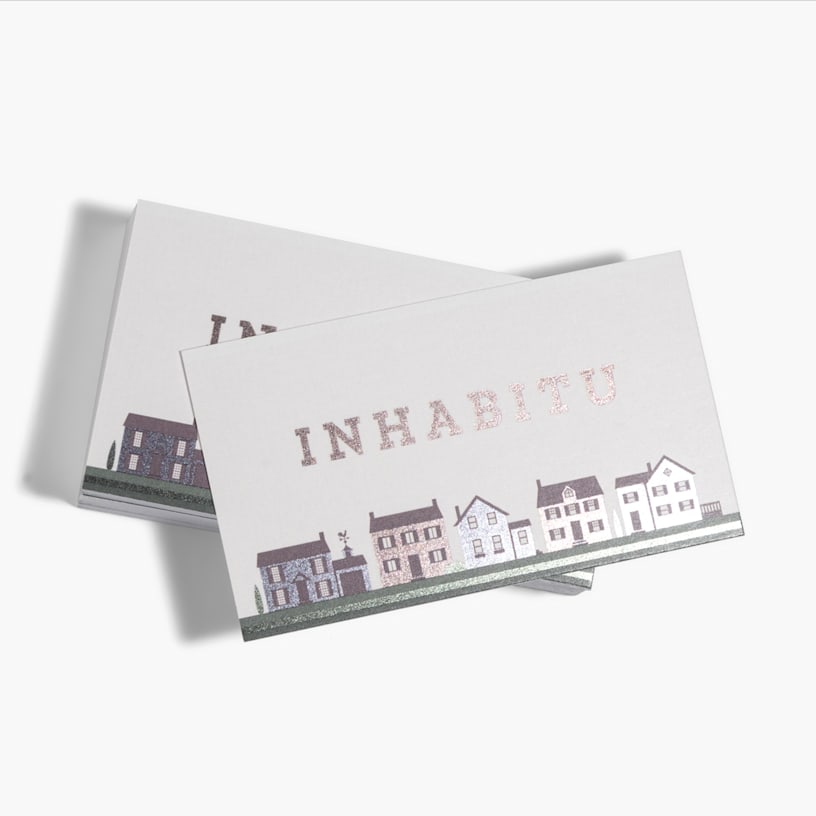
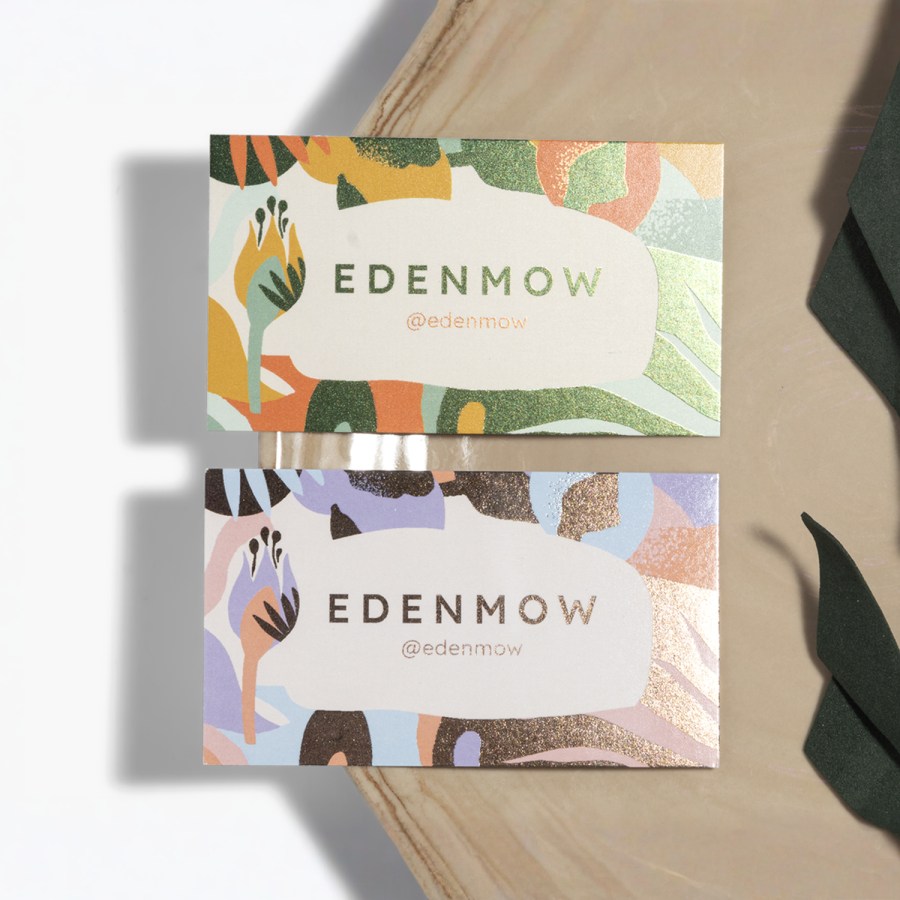
Add shiny accents to your card to highlight text, logos and more. Customize your design and choose what parts you want foil-printed.
 See details
Loading options


Play up key info and images with foil accent cards.

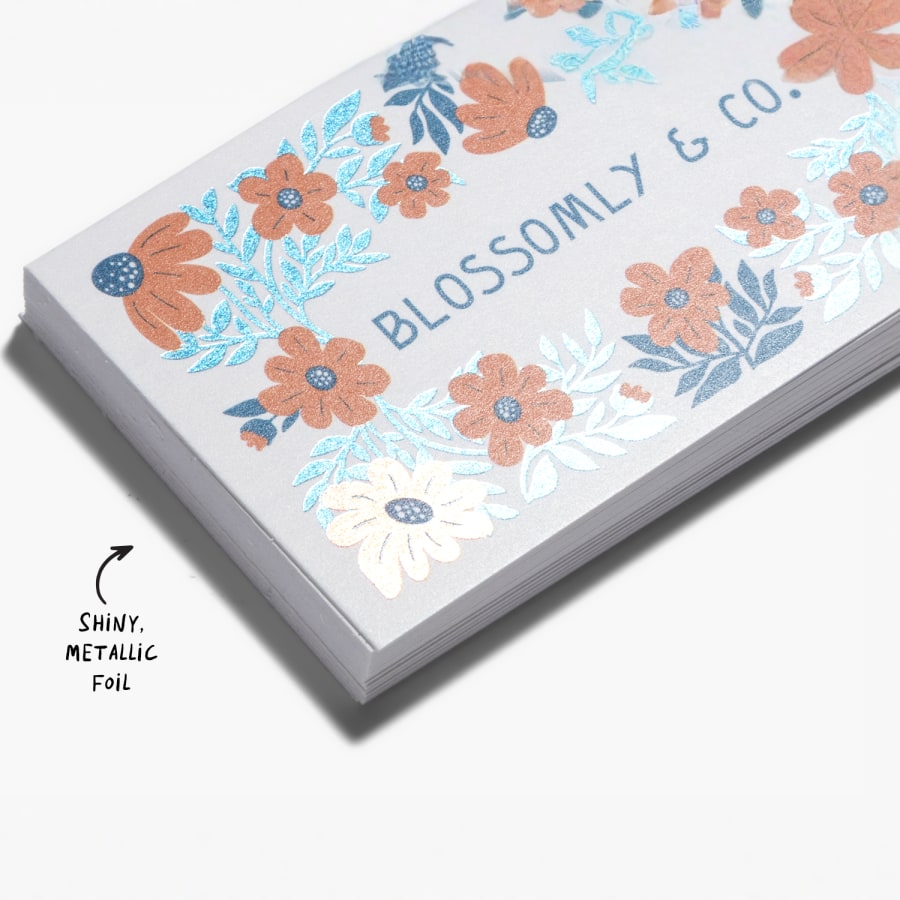
  • Shiny, metallic foil on the front of your card
  • Matte or glossy paper options
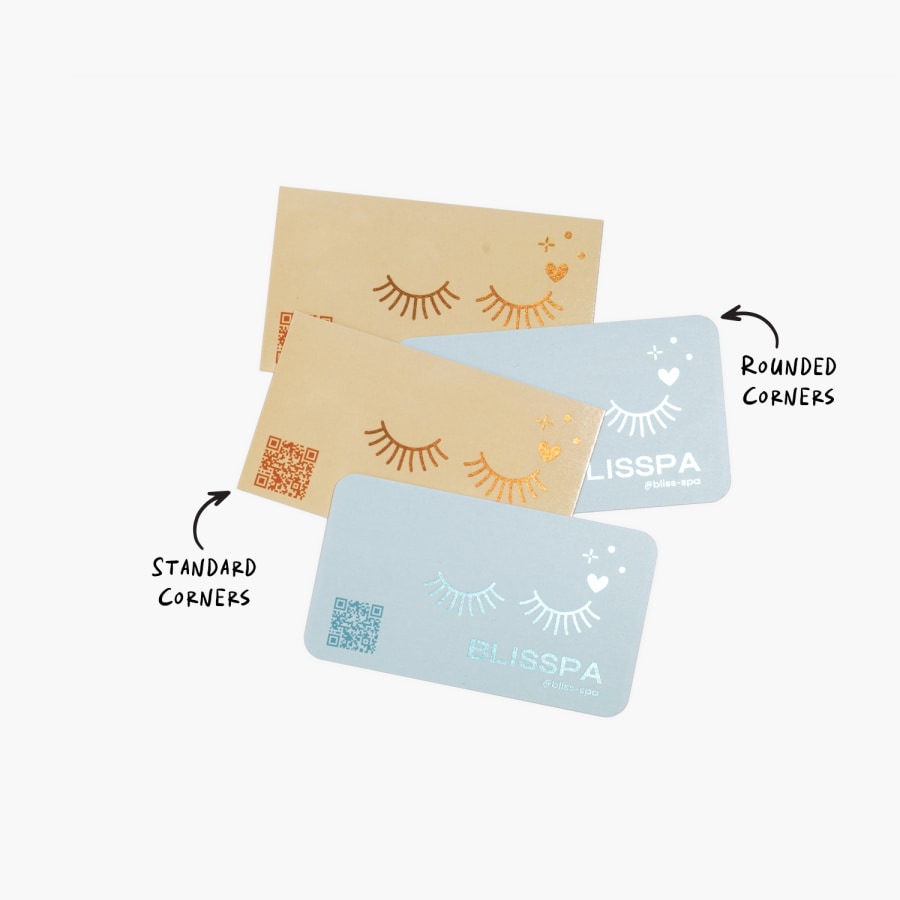
  • Rounded corners available
  • Range of foil colours to match your design
  • Best for high-contrast, brighter colours
  • 2 paper thicknesses: standard (14pt) & premium (16pt)

Cards that shine

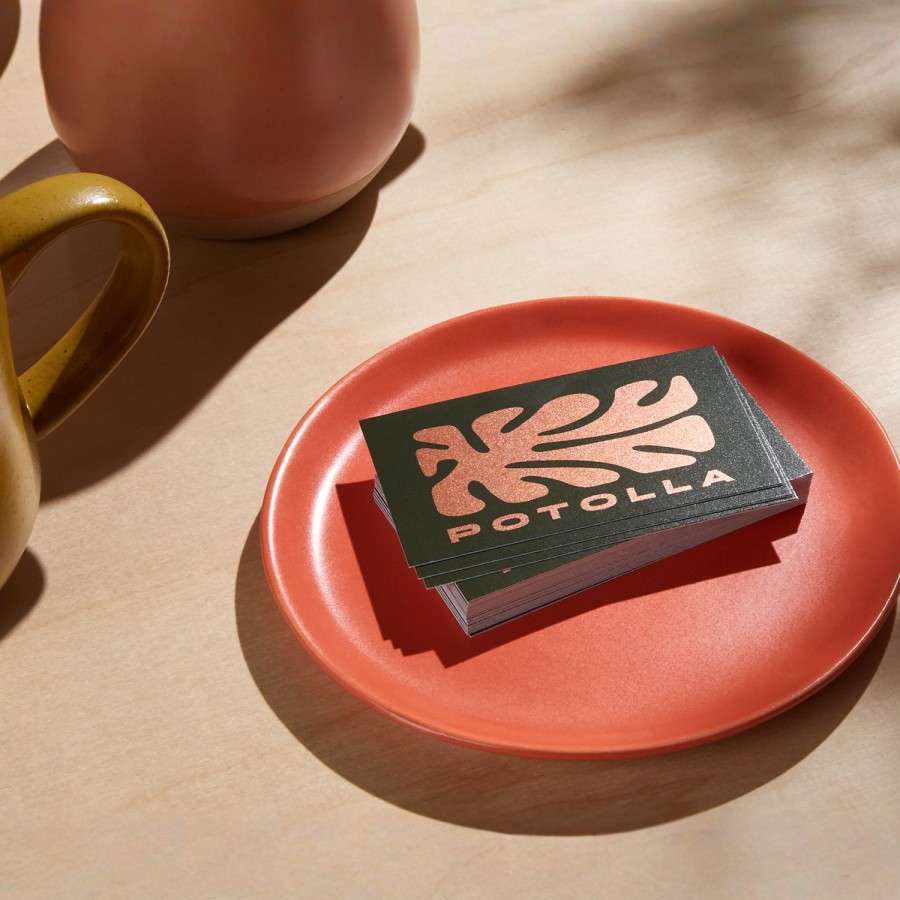
Ready to go from standard to standout? With foil accent business cards, you can add metallic foil to parts of your design, including your company name, logo or text. The shiny finish adds a layer of creativity and professionalism to your card. And the reflectiveness beautifully complements bold text and high-contrast colours.

Style & substance

While foil business cards simply look great, they also help you direct customers where to look. You can spotlight the key information or design elements that you want to stand out. This can help keep timely messaging, updates or branding top of mind.

Design made easy

Start by choosing one of our templates or upload your own. Then, use the accents to help create an eye-catching, memorable look. In most cases, you can choose exactly where you want to add the metallic foil. If you have any questions about how to do that, you’ll see an option to request help. And if you're looking for an alternative to our flat metallic printing, you can always check out our raised foil business cards.

Better by Design

This item is part of our Better by Design collection, which connects you to responsibly sourced products. Learn more.

What Makes it Better

Responsibly Sourced Materials: Products made from responsibly sourced materials are designed to help reduce environmental impact. They're selected not only for the materials themselves, but also with consideration for the workers who farm and manufacture them, indigenous communities affected by production and the biodiversity in and around production areas.
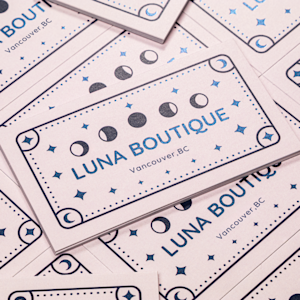
VistaPrint offers Foil Accent Business Cards design templates in assorted styles.

Reviews

(371 reviews)
Filter By
stars
(52%)
stars
(7%)
stars
(10%)
stars
(9%)
star
(22%)

Reviewed by 371 customers

Good overall
Jul 21, 2026 | Owen G. |
Verified Buyer
Couldn't print foiling on both sides, colours darker than designed. Best print shop so far, though. Better than Canva.
Response from Vistaprint Customer Care Team:
Thank you for sharing your feedback on your Foil Accent Business Cards. We truly value your input and appreciate the opportunity to address your concern. After reviewing your submitted file, we can confirm that although the image was high‑resolution, the mountain background does have a darker tone. As a reminder, all files submitted to VistaPrint are converted to CMYK color mode for printing. Since RGB colors (used for digital screens) often appear brighter and more vivid, certain tones may shift once converted to CMYK, resulting in a slightly darker or less vibrant print. The more color added in CMYK mode, the darker the result; the more color added in RGB, the lighter the result. This difference in color gamut is a common factor when moving from screen to print. For the most accurate outcome, we recommend designing directly in CMYK color mode. Additionally, when artwork contains multiple layers of elements of text and background, we suggest using high‑contrast colors between them to ensure clarity once printed. Regarding the foil feature, our current printing process allows foil accents only on the front of the cards. Full‑color printing is available on the backside for an additional charge, but foil is limited to one side. We appreciate your understanding of this limitation. Your feedback will be shared with our product team to guide ongoing improvements in both design guidance and production capabilities. Thank you again for bringing this to our attention. We look forward to helping you create cards that meet both your design and quality expectations.

excellent!
Jul 20, 2026 | Micheal R. |
Verified Buyer
Reordered, the work they do is always great!

WOW! Cards are Superior
Jul 15, 2026 | Amherstburg C. |
Verified Buyer
Our business cards have never presented better than they do now. The foil overlay really sticks out on the community boards, in our business and when we present them to potential clients. Will be purchasing more in the future forsure!

Awful
Jul 14, 2026 | Level B. |
Verified Buyer
Awful quality of the cards. No foil on them. The color on the front and the back are different even though the document has the exact same color, the front turned out almost green. The cards are just printed without any human putting any logic in it, nobody thought of checking that their colors wouldn't allow for the QR code to scan properly. We have printed the same template with different companies and we have never had a worse result.
Response from Vistaprint Customer Care Team:
Thank you for sparing the time to share your experience with us through your review. We regret to hear that there is no foil on the business cards and the color is not as expected. We are happy to look into this for you. To help us assist you more effectively, please reply to the email/message with photos displaying the concern. If your request is urgent and you need an immediate solution, please reach out to our Customer Support team via www.vistaprint.ca/customer-care/help-center/

Not happy at all!
Jul 14, 2026 | Susan L. |
Verified Buyer
I ordered the exact same cards I had previously ordered, just changing web site address and adding an email address. The design, layout and colours were all left exactly as they were last time. When I recieved them I found that the print on the back (all the contact info. ) is so faint it's illegible! Do you not have anyone on quality control? Someone who would have realized there is something wrong here and at least contact the customer? Complete waste of time and money!
Response from Vistaprint Customer Care Team:
We're very sorry to hear that your Foil Accent Business Cards didn't meet your expectations, especially since this was a reorder with only minor updates to your contact information. We understand how frustrating it must have been to receive cards with text on the back that is too faint to read. This is certainly not the quality we aim to provide, and we sincerely apologize for the disappointment and inconvenience this has caused. If possible, could you please share a few photos of the business cards, particularly the back where the print appears faint? This will help us better understand the issue and assist with our investigation. Thank you again for bringing this to our attention. Your feedback is valuable and helps us improve both our products and processes.

Displaying Reviews 1-5

Work with a designer

Let us design it for you

No more guesswork. We take care of the entire design process, from brainstorming ideas to delivering the files to your account.

Design services banner image
Frequently asked questions

Foil can come in multiple colours, depending on your design you can even have gold foil business cards. For thickness, you have a few options. Standard paper (14pt), and premium paper (16pt). Each point (pt) is equal to .001 of an inch, to give you a frame of reference. You can also pick either glossy or matte finish with either paper.

Yes, here are a few pointers to help you out:

  • Since the foil is reflective, make sure any foil-printed text is 10pt or larger to help with readability.
  • To maximize the effect of the foil and make certain things stand out, try to limit how much foil you use.
  • We’ll make the foil colour match the original colour of your design as closely as possible – bright colours and high-contrast designs usually look best.

The metallic foil is flat. We do offer raised foil business cards, if you’re looking for a more textured, 3D look.

Great question – and the answer is a bit different depending on whether you upload your own design or go with one of our templates.

When you start customizing one of our templates, you can click on the “Finishes” option to see where you can add foil to your design.

As you go through the process of uploading your own design, you’ll see an option to add foil to your text, your images or both. And if you’re not sure when the foil should go, there’s even an option to have our designers choose for you!

For uploads, the foil sections will be the same colour as they are in your original design. For templates, you can change the colour of different text, images and patterns you’ve added foil to.

For complete information about card dimensions, check out our business card size guide.

No, our printing process for metallic business cards only allows for foil to go on the front of the cards. However, full-colour printing is available on the backside of the card for an additional charge.

Unfortunately, we can’t offer foil accents on square business cards. However, we are happy to offer foil on rounded corner cards! You can find that option in the choices above.

When you’re designing your metallic business cards (even if you’ve chosen an existing template), you can click on text or images and you’ll see an option that lets you turn the special finish on or off. Note that you may not always have this option for all text and images.

If you’re uploading your own artwork, and you want a specific area to be metallic, make sure to upload that part separately then click “on” to activate the metallic finish. For design assistance. And if you’re having any trouble, you’ll always see an option onscreen to reach out to us for help.