Photo Books

Bring moments together in a vividly printed photo book at a price you’ll love. 7 size options, with 24-120 pages. Layflat binding available. See details
Loading options


Make your best memories last a lifetime with a custom photo album book.

  • 7 size & layout options
  • 2 paper stocks available
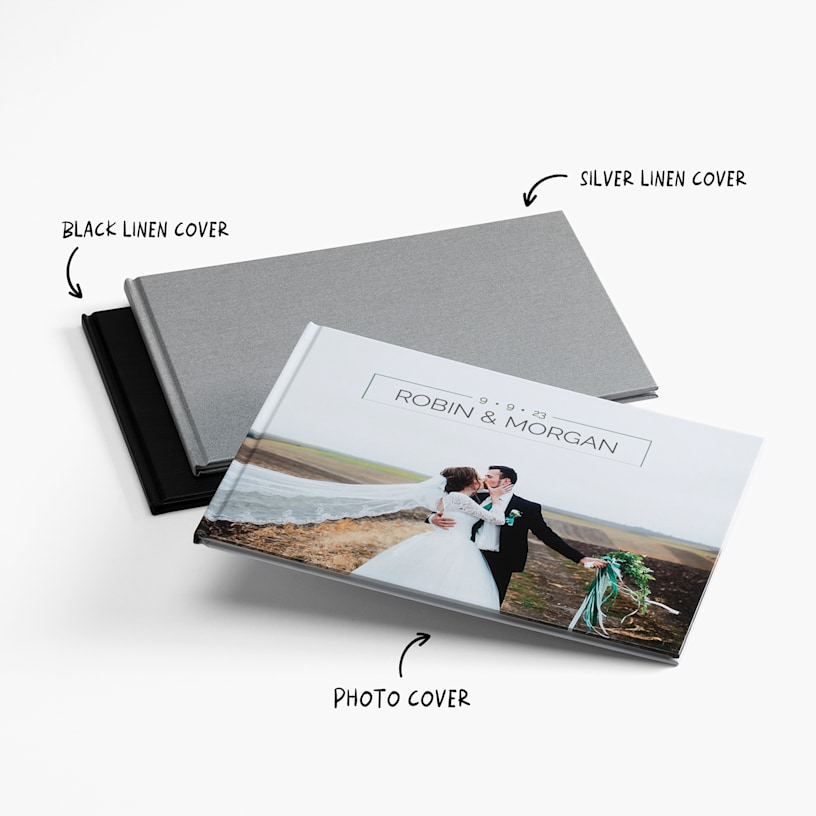
  • Linen or photo cover options
  • 24-120 pages of full-colour printing
  • Professional hardcover binding
  • Layflat binding available on select sizes
  • Smart Assistant technology instantly selects photos and creates layouts

Moments you can hold

There’s nothing like looking back at favourite memories. That’s why we’re proud to offer custom photo books that celebrate your most meaningful moments. Whether you’re creating a wedding photo album, baby photo book, travel keepsake, Christmas gift or even a brand portfolio, our albums bind your images together beautifully – without breaking the bank. Plus, with 2 decades of print expertise and a friendly support team here to help 24/7, you can be confident your photo album will turn out just like you pictured.

Details you’ll love

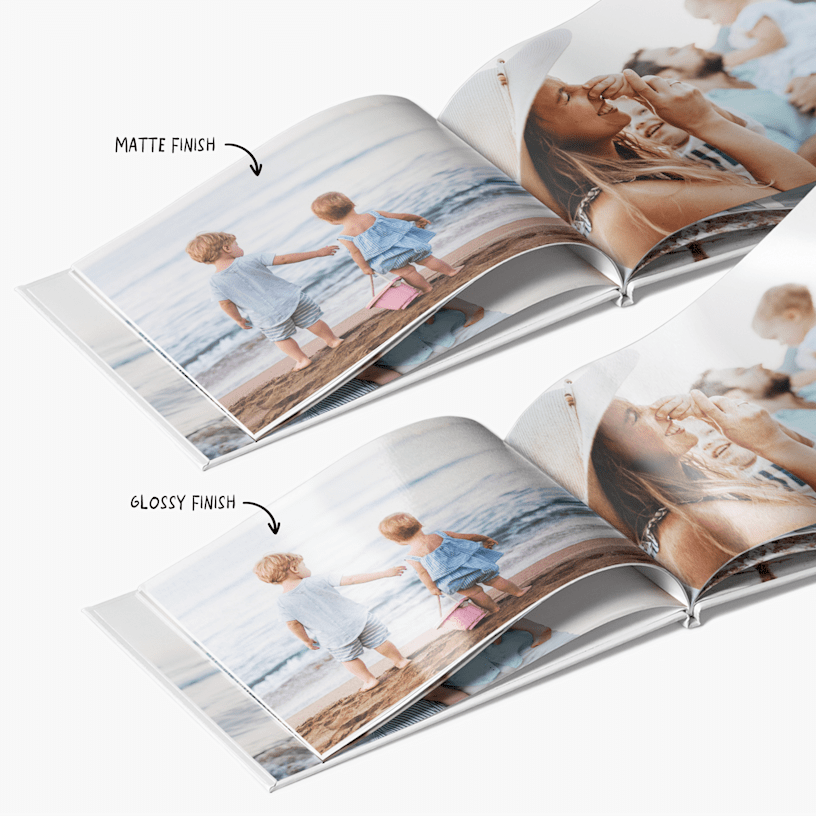
Your custom photo album should feel as unique as the memories it holds – so we’ve given you lots of personalization options. Choose from a range of sizes, layouts, and covers, including linen and photo covers. For paper, select Standard Matte or upgrade to our premium option Standard Glossy – a slick, coated finish that delivers richer colours and greater contrast.

Your choice of design editors

Feeling inspired? We’re ready with 2 design editors – a mobile-friendly option for creating photo books online or a downloadable photo book maker you can use on your computer. (To learn more about each, see our Editor Options section.) Whichever you prefer, we’ll walk you through the process step-by-step. Or, use our Smart Assistant, which will quickly pick out your best pics, design layouts and create a photo album book you’ll love. Once you’re happy with your design, we’ll professionally print, bind and package your creation – and then we’ll send it to your home. Your photo album will arrive looking crisp, polished and ready to become a heartwarming classic.

What customers love about our Photo Books

We’ve received more than 2,000 reviews for our Photo Books. Here’s why they continue to be a top-rated choice:

  • Excellent overall product: 273 reviews
  • Crisp image quality and vibrant colours: 239 reviews
  • Thick, sturdy paper and durable binding: 173 reviews
  • Easy-to-use tools, featuring automatic photo placement: 182 reviews
  • A long-lasting gift or keepsake, for less: 143 reviews
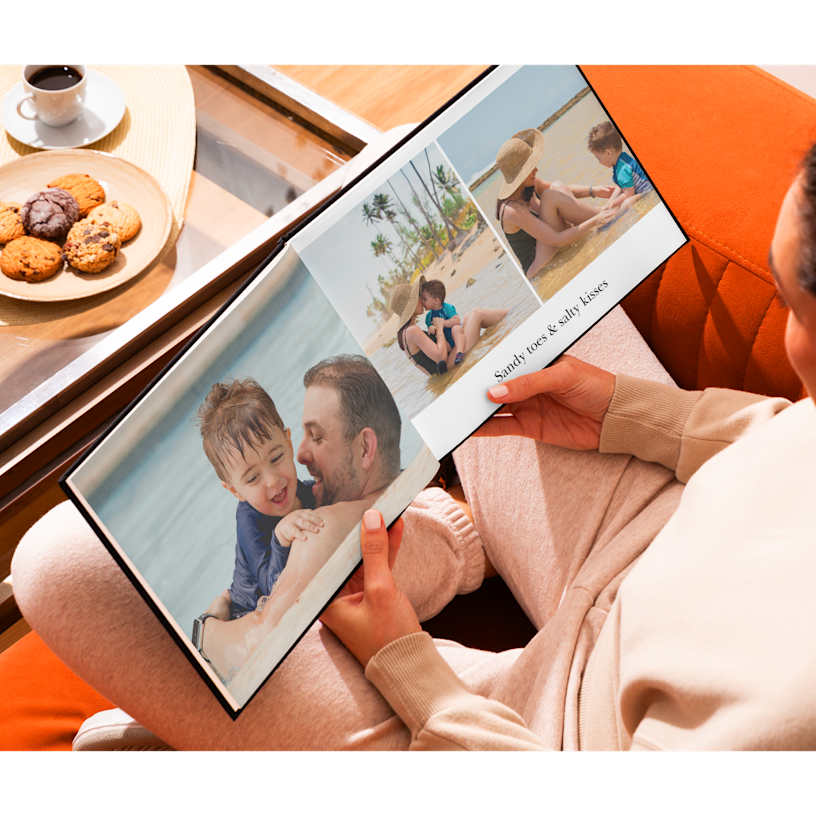
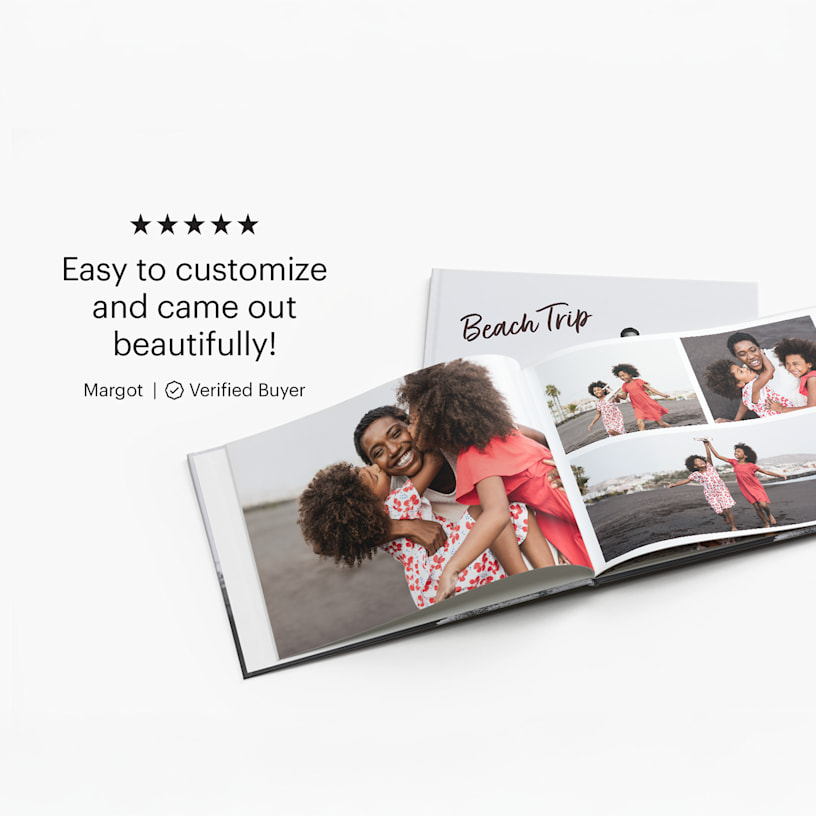
A photo book open to a picture of a family at the beach.

Reviews

(1968 reviews)
Write a Review
Filter By
stars
(70%)
stars
(12%)
stars
(7%)
stars
(5%)
star
(6%)

Reviewed by 1968 customers

Disappointed
Apr 4, 2026 | Susan T. |
Verified Buyer
I wasn’t pleased with the layout of two of the pages and was hoping to redo and reprint them as I thought VistaPrint had a 100% satisfaction guaranteed, but was told they could not. A friend of mine said they were able to do it for her wedding album, so I feel the service is inconsistent based on which service representative you speak to. It was my first time designing a photo book and I was looking forward to creating more with VistaPrint if my first experience turned out more positive.
Response from Vistaprint Customer Care Team:
We’re really sorry to hear that your photo book didn’t turn out as expected, especially on your first experience creating one. We understand how disappointing it must have been to notice layout issues after receiving your order, and we’re also sorry for any confusion caused by the information you were given. Your comments about inconsistent support are important, and we’ll be sure to share this with our team to help improve the experience moving forward. To better understand what happened and see how we can help, could you please share photos of the pages you’re unhappy with? This will allow us to review the issue more closely and determine the best way to make things right for you. We appreciate your time and hope we can turn this experience around for you. If your request is urgent and you need an immediate solution, please reach out to our Customer Support team via https://www.vistaprint.ca/customer-care/help-center/
Disappointed
Apr 4, 2026 | Susan T. |
Verified Buyer
I wasn’t pleased with the layout of two of the pages and was hoping to redo and reprint them as I thought VistaPrint had a 100% satisfaction guaranteed, but was told they could not. A friend of mine said they were able to do it for her wedding album, so I feel the service is inconsistent based on which service representative you speak to. It was my first time designing a photo book and I was looking forward to creating more with VistaPrint if my first experience turned out more positive.
Response from Vistaprint Customer Care Team:
We’re really sorry to hear that your photo book didn’t turn out as expected, especially on your first experience creating one. We understand how disappointing it must have been to notice layout issues after receiving your order, and we’re also sorry for any confusion caused by the information you were given. Your comments about inconsistent support are important, and we’ll be sure to share this with our team to help improve the experience moving forward. To better understand what happened and see how we can help, could you please share photos of the pages you’re unhappy with? This will allow us to review the issue more closely and determine the best way to make things right for you. We appreciate your time and hope we can turn this experience around for you. If your request is urgent and you need an immediate solution, please reach out to our Customer Support team via https://www.vistaprint.ca/customer-care/help-center/

Beautiful and great quality
Apr 4, 2026 | Victoria R. |
Verified Buyer
Books where a hit and arrived faster than expected. 10/10.
Beautiful and great quality
Apr 4, 2026 | Victoria R. |
Verified Buyer
Books where a hit and arrived faster than expected. 10/10.

Disappointing
Apr 4, 2026 | b g. |
Verified Buyer
Inside cover of 1 book all bubbled
Response from Vistaprint Customer Care Team:
We appreciate you bringing this to our attention! We’re sorry to hear about the issue with your book’s inside cover bubbling. To help us review this further and assist you, could you please provide a photo showing the problem? For an immediate solution, please reach out to our Customer Support team via https://www.vistaprint.ca/customer-care/help-center/.
Disappointing
Apr 4, 2026 | b g. |
Verified Buyer
Inside cover of 1 book all bubbled
Response from Vistaprint Customer Care Team:
We appreciate you bringing this to our attention! We’re sorry to hear about the issue with your book’s inside cover bubbling. To help us review this further and assist you, could you please provide a photo showing the problem? For an immediate solution, please reach out to our Customer Support team via https://www.vistaprint.ca/customer-care/help-center/.

Good quality and easy to use but. . .
Apr 3, 2026 | Simon K. |
Verified Buyer
The quality of the book was good and the website is easy to use. . . however some features like the words on the front fold for example are way too small to see and therefore random words appeared on my book
Response from Vistaprint Customer Care Team:
Thank you for your feedback—we’re really glad to hear that you were happy with the overall quality of your photo book and found the design process easy to use. That said, we’re sorry to learn that some elements, such as the text on the front fold, did not appear as expected. We understand how frustrating it can be when smaller details like text size affect the final result. To help us take a closer look, could you please share a photo of the photo book you received? This will allow our Quality Team to better understand what happened and assist you more effectively. As a quick note, we do provide customers with the opportunity to review their design carefully before placing an order, including access to a PDF proof to check text, layout, and personalization details. That said, we truly appreciate you bringing this to our attention. Once we receive your photo, we’ll be happy to review this further and explore the best way to assist you. If your request is urgent and you need an immediate solution, please reach out to our Customer Support team via https://www.vistaprint.ca/customer-care/help-center/
Good quality and easy to use but. . .
Apr 3, 2026 | Simon K. |
Verified Buyer
The quality of the book was good and the website is easy to use. . . however some features like the words on the front fold for example are way too small to see and therefore random words appeared on my book
Response from Vistaprint Customer Care Team:
Thank you for your feedback—we’re really glad to hear that you were happy with the overall quality of your photo book and found the design process easy to use. That said, we’re sorry to learn that some elements, such as the text on the front fold, did not appear as expected. We understand how frustrating it can be when smaller details like text size affect the final result. To help us take a closer look, could you please share a photo of the photo book you received? This will allow our Quality Team to better understand what happened and assist you more effectively. As a quick note, we do provide customers with the opportunity to review their design carefully before placing an order, including access to a PDF proof to check text, layout, and personalization details. That said, we truly appreciate you bringing this to our attention. Once we receive your photo, we’ll be happy to review this further and explore the best way to assist you. If your request is urgent and you need an immediate solution, please reach out to our Customer Support team via https://www.vistaprint.ca/customer-care/help-center/

Excellent
Apr 3, 2026 | Olya P. |
Verified Buyer
Excellent quality, colors, paper
Excellent
Apr 3, 2026 | Olya P. |
Verified Buyer
Excellent quality, colors, paper

Displaying Reviews 1-5

Frequently asked questions

At VistaPrint, designing a photo book has never been easier with Smart Assistant. All you have to do is provide the photos and then the program’s smart technology will select your best images, remove duplicates and create high-quality page layouts. Smart Assistant works in just minutes – and you’ll be able to make any changes you’d like, add custom touches and more.

The most common files we accept are JPG and PNG files. For our full list of supported files, check out this article). And for best results, use high-resolution photos for your photo book (we recommend images with at least 300 dpi).

4Mb is the maximum size we recommend for an individual photo. Anything larger than this may cause problems as you upload your album. That said, there are no limits to the file size of the album itself.

Yes, with VistaPrint it’s easy to create a photo book on your phone! We offer a mobile version of our online photo book maker that lets you design and order your photo book on your smartphone or tablet. (Please note that our downloadable offline editor isn’t available on mobile, and size changes aren’t supported–so be sure to pick your preferred size before you begin.)

If you’d like to work on your photo book from a computer instead, you can use our mobile photo transfer feature. This allows you to transfer photos from your mobile device to the desktop photo book editor by simply scanning a QR code. To learn more about this exciting new feature, check out this article.

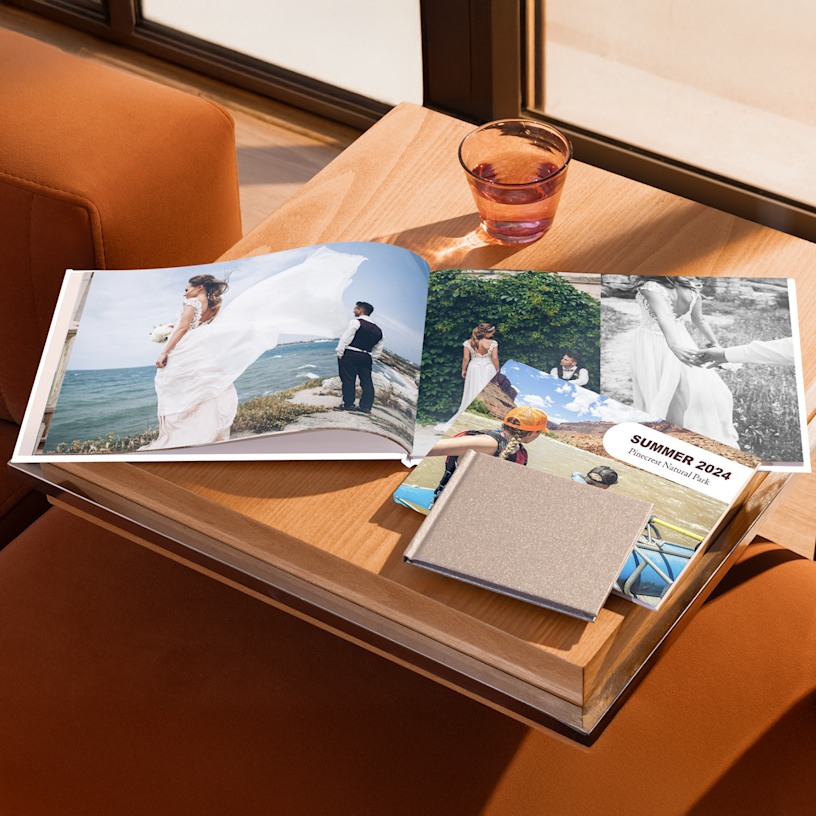
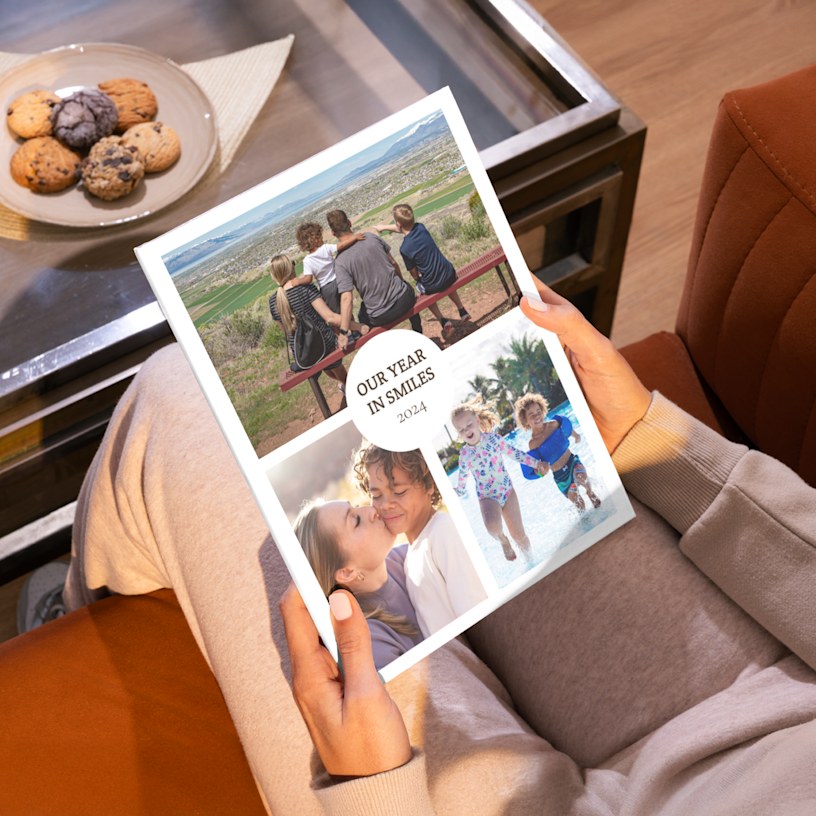
For weddings and graduations, our 11" x 8.5" landscape photo book is ideal as it boasts a wider cover with ample space for vivid shots. This size is also great for capturing special travel memories that feature picturesque views. If you’re creating a baby photo book or birthday keepsake, our compact 5.5" x 5.5" or 8" x 8" square photo books offer a sweet, portable size that’s easy to flip through and share. These smaller formats beautifully highlight milestones like a baby’s first year or special family moments.

And yes! You can change the size of your photo book after you begin, but these changes must be made within the same book format and orientation. For example, you can switch from one landscape size to another, but not from landscape to portrait. Also, please note that size changes are not currently supported on mobile, so if you opt for this format, be sure to choose your preferred size before getting started.

Yes. Just click on “Product Options” and scroll down to “Sizes” and you’ll be able to see all our photo book layout options and their corresponding sizes. From landscape to square to portrait, we’ve got the perfect fit for your photos.

Our standard matte option has a smooth, subtle finish with a soft sheen, while standard glossy has a shiny, coated surface that makes colours appear richer and more vibrant.

The process varies slightly based on which of our design editors you’d like to use.

Downloadable (Offline) Editor: This editor is our most popular – when you install this photo book maker on your computer, it will guide you through the entire process. (Downloading is quick and easy – less than 3 minutes). After you select your photo book’s size, the editor will help you add photos directly from your computer onto the book. Work is saved to your computer – when your design is finished, the program will upload the book to our site so that you can complete your order. The Downloadable Editor also includes an assortment of extra design options, which are especially helpful if you’re interested in adding a lot of custom details to your album.

Online Editor: With our online tool, you can create your own photo book online – no downloads required. Upload photos from your computer and then place them onto the pages as you’d like.

With both editors, you can preview your final photo book to confirm that all text and images are properly aligned within the safe zone and will print perfectly.

Yes, both of our editing tools allow you to save your photo book design and come back to it later. We recommend saving your work early and often.

Downloadable (Offline) Editor: When you save your design, the work is stored on the computer itself. You’ll be able to make updates up until you click the “Order” button.

Online Editor: Your work will be saved to your VistaPrint account. Make sure you’re logged in before you start designing, and don’t clear the cookies on your browser until you’ve ordered your album.

Yes! Our friendly team of experts is here via live chat, call or email to assist you with whatever questions come up. Don’t hesitate to reach out – we want you to love your photo book.

The program is available for Mac and Windows systems, including Windows 7, Windows 8.1, Windows 10 and Windows 11. For Windows 7 or Windows 8.1, ensure they are fully updated and use service pack 2 or higher. For Windows 7, 8 and 10, we recommend you have the latest version of Internet Explorer 11. For PC users, the minimum requirements for installing the software on your computer are: Dual core CPU / Intel Core i3 (we recommend Intel Core i5), 4GB of RAM (we recommend 8GB of RAM). The minimum screen resolution is 1024 x 768 pixels. For Mac OS users, the accepted versions are 10.13 or higher.

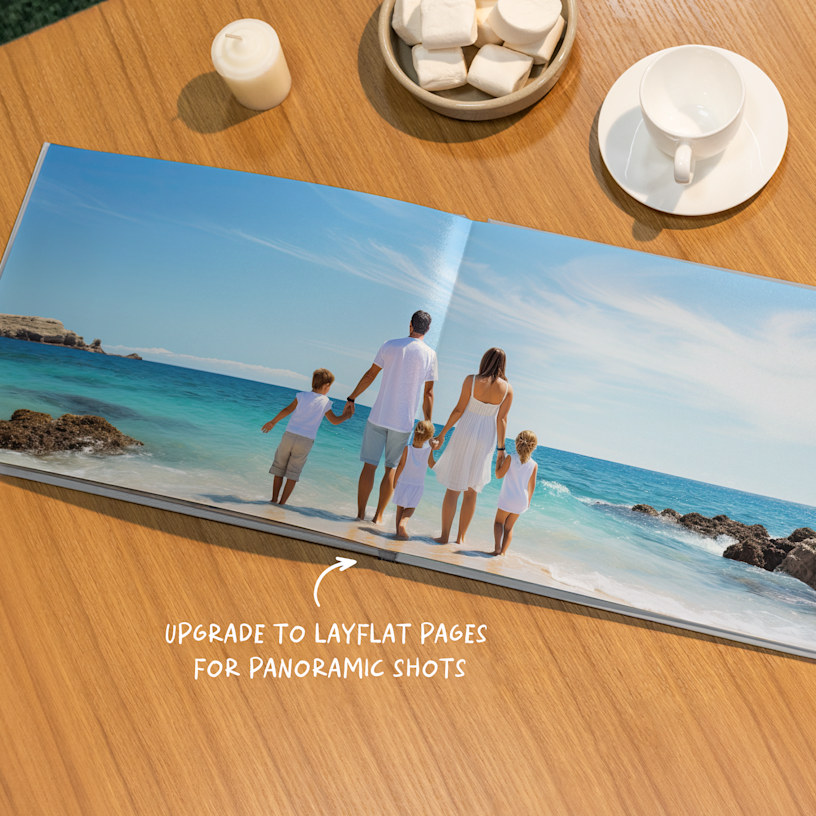
Layflat photo books and regular photo books utilize different binding techniques to hold their pages together. With layflat binding, the book’s pages lie completely flat when the book is open. Unlike regular photo books, layflat photo books have a less prominent centre seam – this removes any visual interruptions, so you can fully take in your photos.

Both are excellent options for preserving and showcasing photos. That said, layflat photo albums are especially great for displaying panoramic shots and photos that extend across 2 pages. In fact, lots of newlyweds prefer layflat albums for their wedding photos – the seamless layout is a beautiful way to showcase wide shots of friends, family and the wedding party.

Note: Layflat binding is available in sizes L and XL only and comes with extra thick paper stock.

Delivery times vary depending on your location and the shipping speed you select. Be sure to check out our shipping options for more info.

Choose Country

  • Canada